アプリケーション状態の共有管理
PySide6を用いたGUIアプリケーションでは、複数のウィンドウインスタンス間の参照関係を明確に保つ必要があります。ここでは、シングルトン的な振る舞いを持つコンテキストクラスを定義し、各ダイアログからメイン画面への安全な受け渡しを実現します。
class AppContext:
    primary_window = None
    auth_dialog = None
    signup_dialog = None
    analytics_console = None
データベース連携層の実装
認証ロジックとアカウント作成処理を分離するため、データアクセス用のユーティリティクラスを構築します。接続の確立からpandasを用いたデータ検証、SQL実行までのフローをラップします。
import pandas as pd
import pymysql
from typing import Tuple

class DataAccess:
    _db_conn = pymysql.connect(
        host="127.0.0.1",
        port=3306,
        user="db_operator",
        passwd="secure_pass_2024",
        database="commerce_system"
    )
    _cursor = _db_conn.cursor()

    @classmethod
    def validate_user(cls, account_id: str, display_name: str) -> bool:
        fetch_query = "SELECT * FROM client_accounts"
        cls._cursor.execute(fetch_query)
        record_set = pd.read_sql(fetch_query, cls._db_conn)
        matched = record_set[
            (record_set['account_id'] == account_id) &
            (record_set['display_name'] == display_name)
        ]
        return not matched.empty

    @classmethod
    def register_account(cls, account_id: str, display_name: str, contact_info: str, region: str) -> bool:
        if cls.validate_user(account_id, display_name):
            return False
        insert_stmt = "INSERT INTO client_accounts (account_id, display_name, contact_info, region) VALUES (%s, %s, %s, %s)"
        cls._cursor.execute(insert_stmt, (account_id, display_name, contact_info, region))
        cls._db_conn.commit()
        return True
UIロードとイベントバインディング
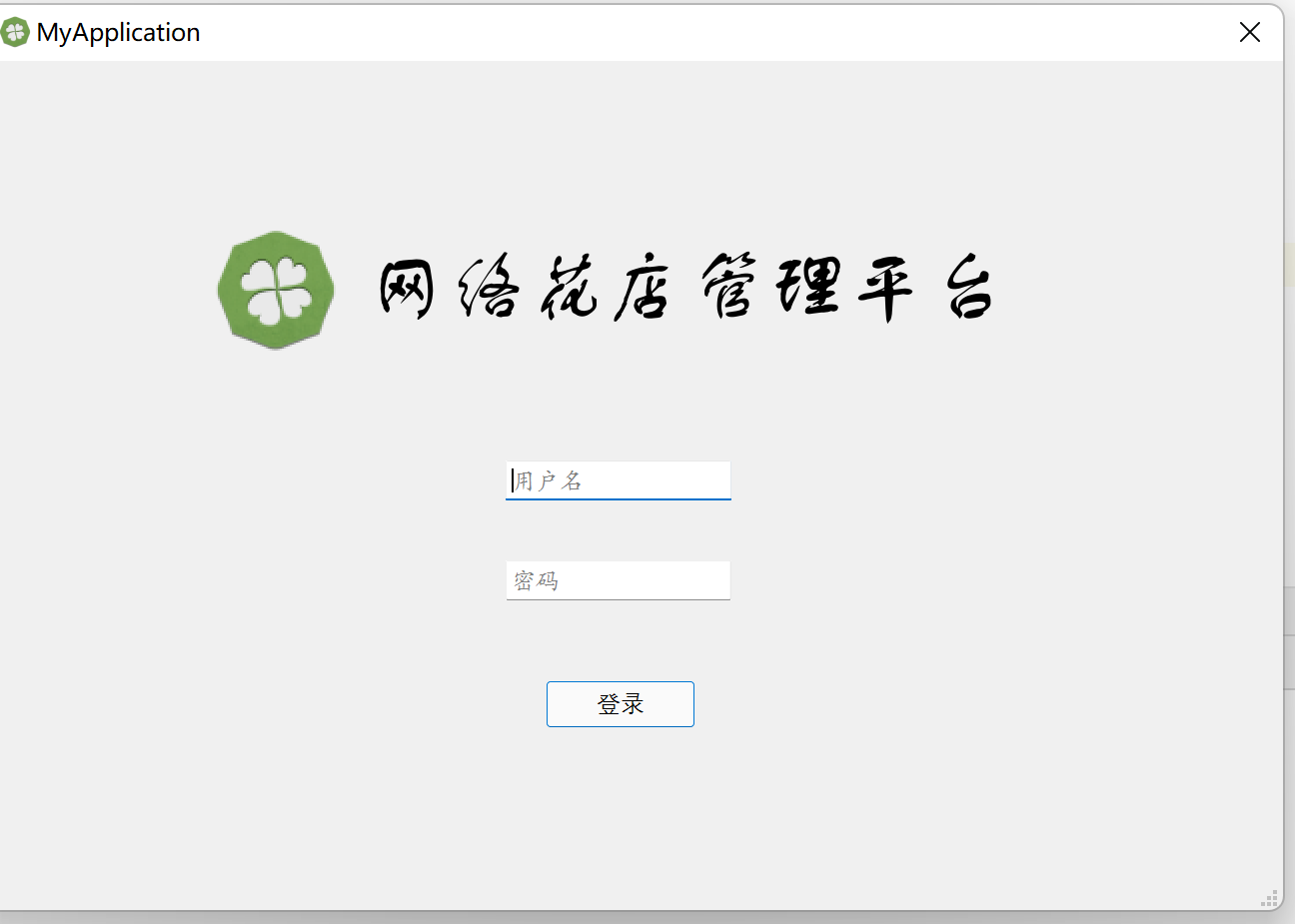
`.ui` ファイルを `QUiLoader` で動的に展開し、ボタンクリックイベントに認証ロジックを接続します。検証結果に基づき、共有コンテキスト経由でターゲットウィンドウを起動し、現在のダイアログを破棄する遷移フローを実装します。
from PySide6.QtUiTools import QUiLoader
from PySide6.QtWidgets import QMessageBox
from app_context import AppContext
from data_access import DataAccess

class AuthView:
    def __init__(self):
        self.interface = QUiLoader().load("../ui/login_layout.ui")
        self.interface.btn_submit.clicked.connect(self._handle_login)

    def _handle_login(self):
        uid = self.interface.input_id.text()
        uname = self.interface.input_name.text()

        if DataAccess.validate_user(uid, uname):
            AppContext.primary_window = PrimaryWindowWrapper()
            AppContext.primary_window.interface.show()
            self.interface.close()
        else:
            self._notify("認証情報が一致しません")

    def _notify(self, msg: str):
        QMessageBox.warning(self.interface, "通知", msg)

class SignupView:
    def __init__(self):
        self.interface = QUiLoader().load("../ui/register_layout.ui")
        self.interface.btn_confirm.clicked.connect(self._handle_registration)

    def _handle_registration(self):
        uid = self.interface.input_new_id.text()
        uname = self.interface.input_new_name.text()
        phone = self.interface.input_phone.text()
        area = self.interface.select_region.currentText()

        if DataAccess.register_account(uid, uname, phone, area):
            self._notify("アカウント作成が完了しました")
            AppContext.auth_dialog = AuthView()
            AppContext.auth_dialog.interface.show()
        else:
            self._notify("登録に失敗しました(重複IDの可能性があります)")
        self.interface.close()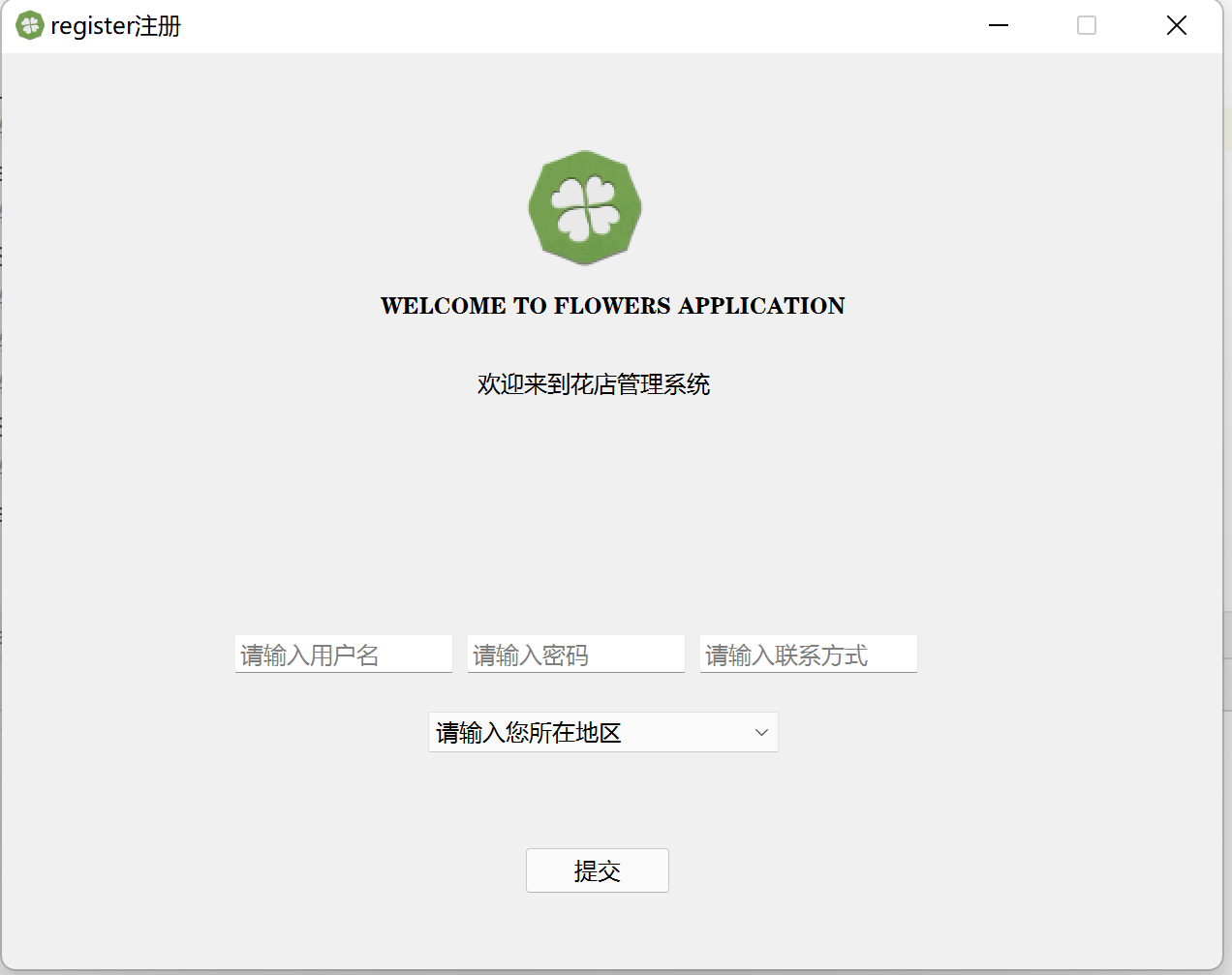
エントリポイントの初期化
Qtのアプリケーションループを起動し、初期画面として登録ダイアログを表示します。`QApplication` のインスタンス化とイベント駆動の開始を一元管理します。
import sys
from PySide6.QtWidgets import QApplication
from app_context import AppContext

if __name__ == "__main__":
    qt_runtime = QApplication(sys.argv)

    AppContext.signup_dialog = SignupView()
    AppContext.signup_dialog.interface.show()

    sys.exit(qt_runtime.exec())